Why Patients Say No (and How Visuals Change the Conversation)
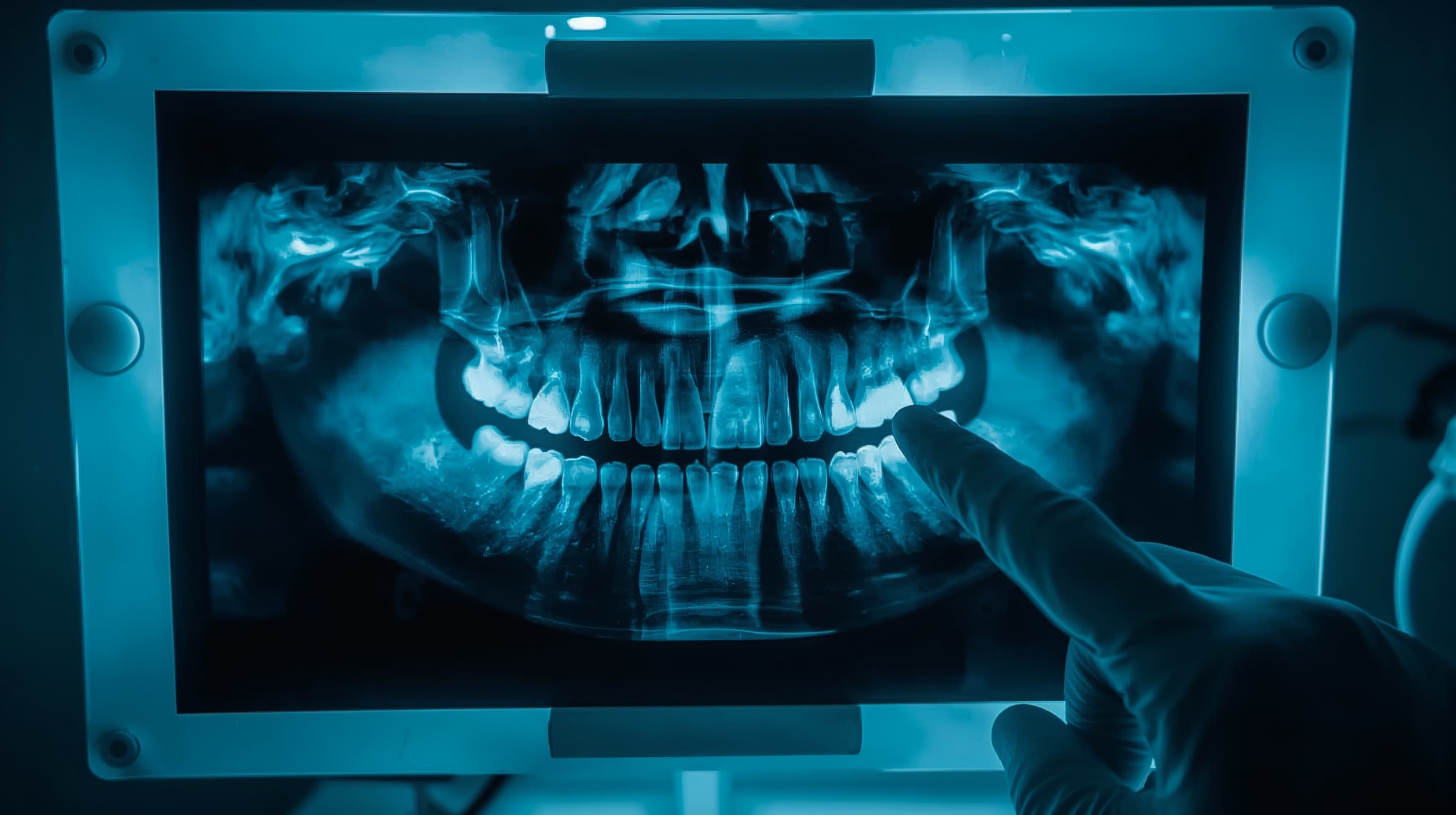
Most treatment plans fail not because patients distrust their dentist — but because they cannot see what their dentist sees. A verbal explanation of bone loss or a tiny lesion on a bitewing rarely creates urgency. Patients nod politely, say they will "think about it," and never schedule.
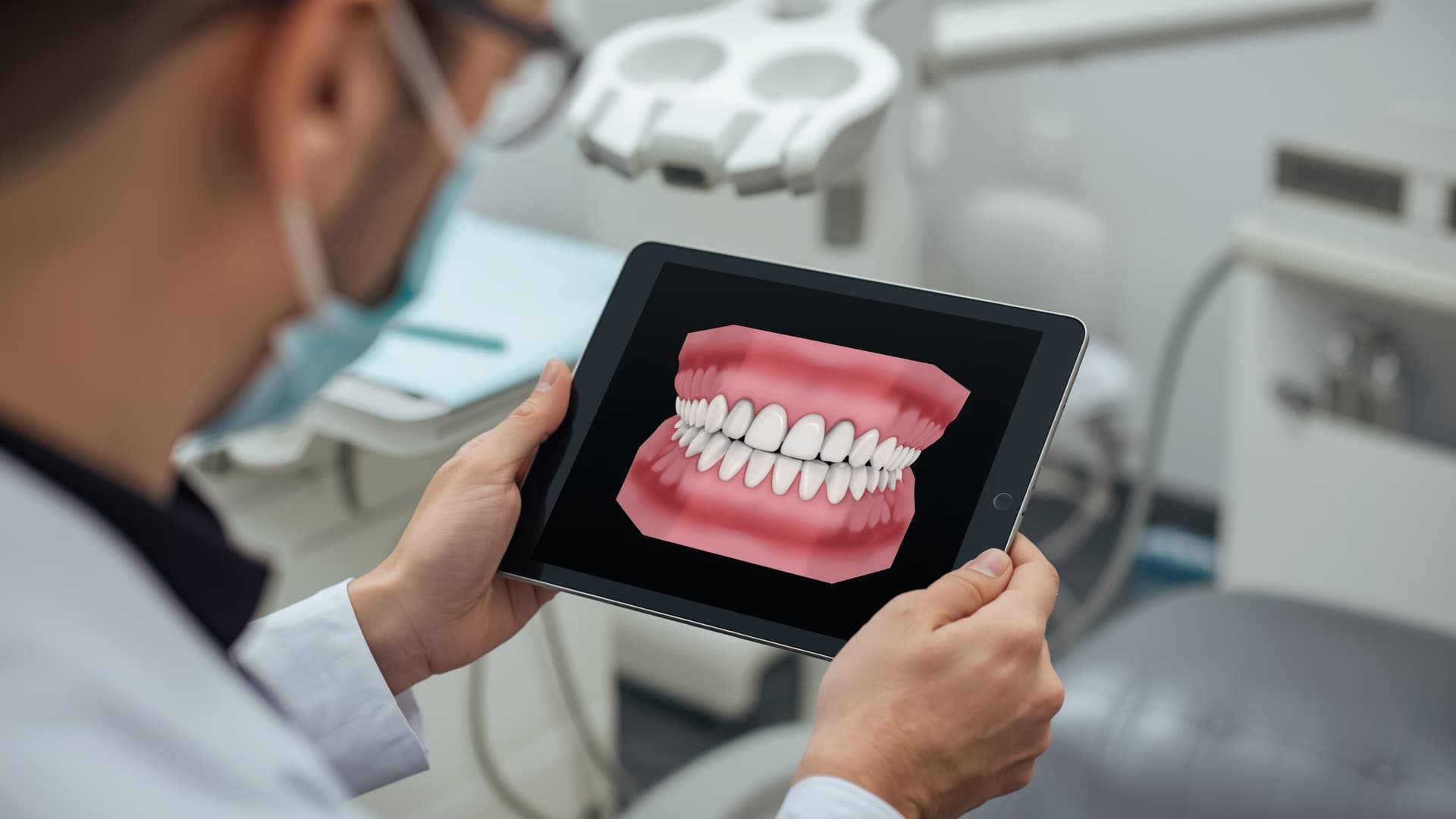
AI-powered visualization tools are changing this dynamic. Practices using AI imaging and diagnostic tools report 10 to 20 percent increases in case acceptance within months of adoption, according to vendor data and practitioner surveys. The reason is straightforward: when patients can see color-coded overlays highlighting decay, bone loss measurements, or a simulated post-treatment smile on their own X-ray, the conversation shifts from "trust me" to "I can see it myself."
This guide walks you through implementing AI visualization in your practice — from choosing the right tool to presenting findings chairside — so more patients say yes to the care they need.
Before You Start
You do not need to overhaul your entire tech stack to get started. But a few prerequisites will make the transition smoother:
- Digital radiography in place. AI visualization tools analyze digital X-rays, panoramic images, or CBCT scans. If you are still on film, that transition comes first.
- A chairside display or tablet. The entire value of AI visualization depends on patients seeing the output in real time. A mounted monitor or iPad next to the chair is essential.
- Team alignment on the workflow. Decide who presents the AI findings — the hygienist during the initial exam, the doctor during diagnosis, or both. Consistency matters more than the specific workflow you choose.
- Realistic expectations. AI visualization is a communication tool, not a closing technique. It helps patients understand their condition. The clinical recommendation still comes from you.
Step-by-Step Guide
Step 1: Choose the Right AI Visualization Tool for Your Practice
Not every tool fits every workflow. Here is how the major options differ:
- Pearl offers real-time 2D and 3D imaging analysis with live overlays directly on radiographs. It integrates with most imaging sensors and works well for general practices that want immediate chairside visuals.
- VideaHealth provides AI-powered diagnostic overlays with a dedicated Patient View mode designed specifically for case presentations. DSOs and multi-location practices often favor its analytics dashboard.
- Overjet specializes in detecting caries and measuring bone loss with color-coded annotations. Its integration with major practice management systems makes it a natural fit for practices already running Dentrix or Eaglesoft.
- Chairsyde focuses on patient education through animated treatment explanations rather than diagnostic overlays — ideal if your case acceptance challenges center on patient understanding of procedures rather than diagnosis.
- iTero and 3Shape combine intraoral scanning with outcome simulation, making them particularly effective for orthodontic, implant, and cosmetic case presentations.
Evaluate based on your primary use case: diagnostic visualization (Pearl, VideaHealth, Overjet), treatment simulation (iTero, 3Shape), or patient education (Chairsyde). Our best dental AI software guide ranks these and other options in detail.
Step 2: Integrate the Tool Into Your Existing Imaging Workflow
Most AI visualization platforms connect directly to your imaging software or practice management system. During setup:
- Confirm compatibility with your current sensor hardware and imaging software (DEXIS, Carestream, Apteryx, or similar).
- Enable automatic analysis so every new radiograph gets processed without manual intervention.
- Configure the patient-facing display to show the annotated view — not the raw diagnostic output.
The goal is zero extra clicks for your clinical team. If the AI analysis requires a separate login or manual upload, adoption will stall within weeks.
Step 3: Train Your Team on the Chairside Presentation
The technology only works if your team knows how to use it during the patient conversation. Schedule a focused training session covering:
- What the overlays mean. Every team member who presents findings should be able to explain color codes, severity indicators, and measurements in plain language.
- When to show the visual. The most effective moment is right after taking the image — while the patient is still in the chair and engaged. Do not wait for a follow-up consultation.
- How to frame the conversation. Lead with "Here is what the AI detected on your X-ray" rather than "The computer says you need treatment." Position AI as a second set of eyes that supports your clinical judgment.
Early research into AI-assisted dental diagnostics suggests these tools meaningfully improve patient satisfaction and trust — reinforcing that the way findings are communicated matters as much as the findings themselves.
Step 4: Build a Before-and-After Library
For treatment simulation tools (iTero, 3Shape, Chairsyde), start collecting before-and-after visuals from completed cases — with patient consent. A library of real outcomes from your own practice is more persuasive than generic vendor demos.
Store these in your practice management system or a shared folder so any team member can pull up relevant examples during a case presentation. Patients who can see what a similar case looked like before and after treatment in your office are far more likely to move forward.
Step 5: Track Results and Refine
Measure case acceptance rates before and after implementing AI visualization. Most practice management systems can generate acceptance reports by provider, procedure type, and time period.
- Set a 90-day baseline before drawing conclusions.
- Compare acceptance rates by procedure category — AI visualization tends to have the largest impact on restorative and periodontal treatment plans.
- Survey patients periodically about whether the visual aids helped them understand their treatment options.
Practices that track and iterate on their presentation approach typically see the strongest long-term gains. Industry benchmarks show average case acceptance at 40 to 50 percent for existing patients and 25 to 35 percent for new patients — even a 10 percent improvement translates directly to revenue.