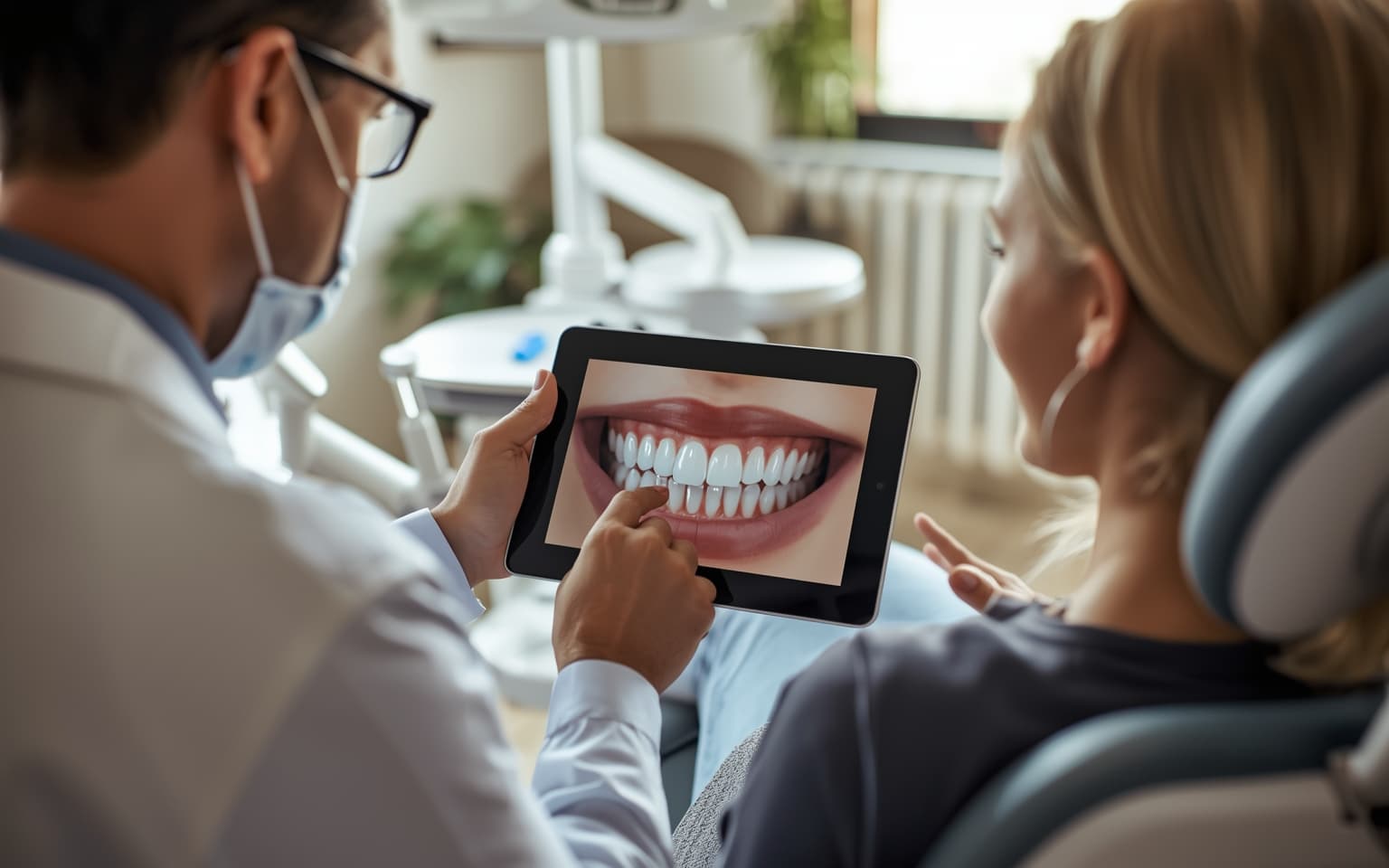
Patients do not buy what they cannot see. That is the oldest friction in elective dentistry — and the reason a static before-and-after photo still closes more cases than any brochure. In 2025, that visual bar got raised. AI-generated smile simulation videos — moving, in-face previews of a patient's future smile — started showing up chairside, and early adopters say the conversation feels different.
Here is what is actually new, why it matters for case acceptance, and how to evaluate the tools without getting oversold.
What Happened
In November 2025, Align Technology announced a new generation of iTero software, including Invisalign Outcome Simulator Pro with Smile Video — the first chairside tool to generate AI-driven, in-face video previews rather than static simulations. Align's own marketing claims the Smile Video experience "doubles chairside conversion rates for general dental patients," a vendor-reported figure we treat as promising but not independently verified.
3Shape has been in the smile-visualization space for years with TRIOS Smile Design, which lets clinicians toggle before/after photos and send patients home with a "My-3Shape" app. On the 2026 outlook side, 3Shape's Rune Fisker flagged AI-animated smile previews — taking a single smile-design photo and producing a short, natural-motion video — as one of the bigger near-term leaps for chairside communication. He specifically called out Align's iTero Smile Video as an early example already in the field.
Around them, a cluster of faster-moving players — SmileFy, BiteBot/SmileGen, Denta.Bot, SmileCloud — are shipping AI smile simulators aimed at both chairside use and website lead magnets, with video generation increasingly standard. The category moved from "digital mockup" to "animated preview" in roughly twelve months.
Why It Matters for Case Acceptance
The evidence base for visualization — not the video version, but digital smile design broadly — is unusually consistent. A 2025 systematic review and meta-analysis of AI-based DSD found it significantly improved patient and clinician satisfaction (pooled effect 58%, 95% CI 0.30–0.86). A 2025 Cureus systematic review concluded DSD "consistently improved patient satisfaction, treatment acceptance, communication, and perceived predictability" across seven included studies. Practice-level reports commonly cite roughly 30% acceptance lift when visual aids are used in consults — a figure repeated across industry articles, though underlying study designs vary.
What changes with video is the emotional register. A static slider says "here is an outcome." A video of the patient's own face — moving, laughing, talking — says "here is you." For cosmetic cases (veneers, aligners, full-arch), that shift from abstract to personal is the exact lever that gets a hesitant patient from "let me think about it" to "let's book the consult."
This also collapses the handoff between ortho and restorative. Align's Invisalign Smile Architect workflow inside Outcome Simulator Pro now runs ortho-only and ortho-restorative simulations side by side — useful for GPs who want to show patients what aligner-plus-veneer combinations could look like before committing.
TMR Take: Smile-simulation video is not a case-acceptance cheat code. It is a better version of a tool that already works — and the practices that win will be the ones that integrate it into a real consult workflow, not the ones who bolt it onto the website and hope. The vendor numbers ("2x conversion," "30% lift") are directionally useful; the underlying DSD literature is solid. Treat video as an upgrade to your consult experience, not a substitute for it.
What to Do Now
1. Audit what you already own. If you run an iTero scanner, Invisalign Outcome Simulator Pro with Smile Video is part of the Align ecosystem — check whether your current software tier includes the video update. If you run TRIOS, 3Shape Smile Design is likely already in your stack. Unused capability is the cheapest upgrade there is.
2. Shortlist two tools to pilot. A reasonable starter bracket:
- 3Shape TRIOS Smile Design — deep scanner integration, mature workflow, photo-based visualization with a patient take-home app.
- Align iTero Outcome Simulator Pro with Smile Video — the first chairside in-face video simulation, strongest for practices already running Invisalign.
- A standalone AI simulator (SmileFy, BiteBot SmileGen, Denta.Bot, or similar) — useful if you want a website lead-magnet alongside chairside use, or if you don't run one of the major scanners.
Run each in a handful of real consults before signing anything. Pay attention to how natural the motion looks — uncanny-valley video closes fewer cases than a good static photo.
3. Build the consult workflow. The preview is a tool; the case still closes on trust. Decide who runs the simulation (clinician vs. treatment coordinator), where it lives in the visit (after clinical exam, before financial conversation), and what the patient walks out with (link to their simulation, a summary, next-step booking). A smart marketing platform can stitch the follow-up together.
4. Train the team. Any chairside tech lives or dies on how it's presented. Block out focused training time — our two-week software onboarding guide covers a pattern that works. Scripts matter: "Want to see what this could look like on you?" converts better than a silent button-click.
5. Set expectations honestly. A 2024 Scientific Reports clinical audit of Invisalign SmileView found simulations directionally predictive but not perfect — real outcomes often had better lip lines and tooth display than the preview suggested. Frame the simulation as "a close approximation," not a guarantee. Patients who feel oversold on a specific outcome are the ones who come back unhappy.
The Bottom Line
AI smile simulation video is the clearest 2026 upgrade to the oldest problem in cosmetic dentistry: helping patients see themselves. The category is maturing fast, the clinical evidence for visualization is genuinely good, and the friction to try it is low — most practices already own one of the tools. For a deeper walkthrough of how to build visualization into your consult, see our guide on using AI visualization to boost case acceptance. For the wider landscape of what's shipping across the stack, start with AI in dental software: what's available today.