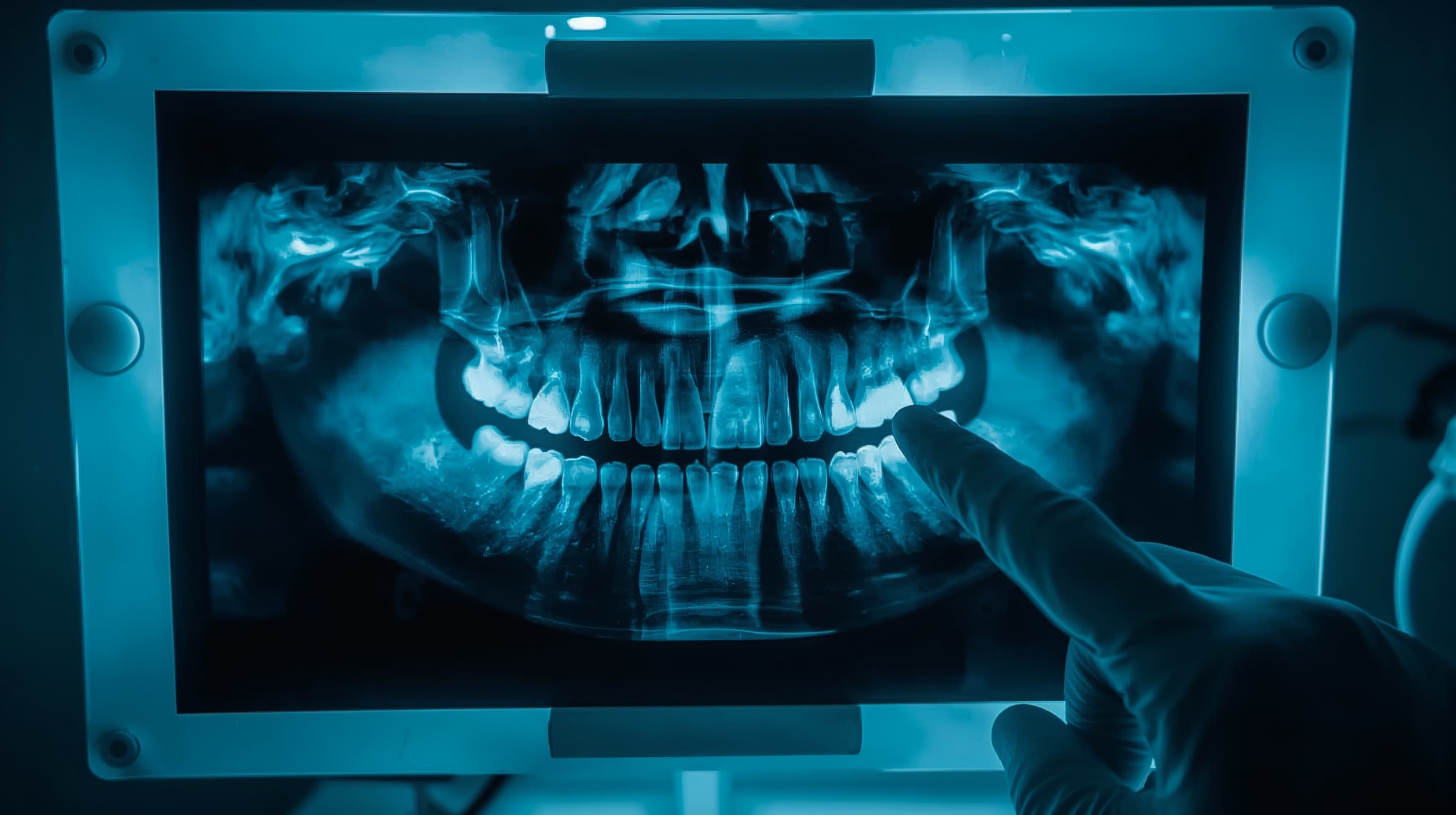
OCR issued more than 50 HIPAA enforcement actions in the past year alone, and risk analysis failures were at the center of nearly every one. If your dental practice gets selected for an audit, you may have as little as ten business days to produce your compliance documentation. The time to prepare is now — not after the letter arrives.
This guide walks you through the seven steps that matter most, based on what OCR actually looks for and where dental practices most often fall short.
Before You Start
Before diving into the checklist, make sure you can answer these baseline questions:
- Are you a covered entity? If your practice submits electronic claims or conducts any HIPAA standard transaction electronically, you are. Most dental practices qualify.
- Do you have a designated Privacy Officer and Security Officer? HIPAA requires both roles to be formally assigned, even if one person fills both in a smaller practice.
- Where does your ePHI live? Map every system that creates, receives, stores, or transmits electronic protected health information — your practice management software, imaging system, email, patient portal, cloud backups, and any mobile devices.
If any of these are unclear, that is your starting point.
Step-by-Step Guide
Step 1: Run a Security Risk Analysis (SRA)
This is the single most important step. Risk analysis failures have been the central issue in the majority of OCR enforcement actions, including settlements exceeding $3 million in 2025.
A proper SRA is not just a checklist. Follow these steps:
- Define scope: List every system, device, application, and vendor that touches ePHI.
- Inventory assets and data flows: Document where ePHI is stored, how it moves between systems, and who has access — including remote work setups.
- Identify threats and vulnerabilities: Evaluate risks from ransomware, phishing, lost or stolen devices, misconfigurations, and insider error.
- Evaluate current safeguards: Assess your access controls, MFA implementation, encryption, logging, backups, and patching schedule.
- Score and prioritize risks: Rate each by likelihood and impact, assign owners, and set remediation deadlines.
- Document everything: Maintain signed SRA reports, a risk register, and remediation evidence. HIPAA requires you to retain these for at least six years.
HHS offers a free Security Risk Assessment Tool designed for smaller practices. Use it as a starting framework.
Perform your SRA at least annually and any time you add new technology, change vendors, or move locations.
Step 2: Update Your Notice of Privacy Practices (NPP)
The ADA flagged a critical deadline: all covered dental practices must update their NPP by February 16, 2026 to address Part 2 substance use disorder (SUD) treatment program records, which are now under OCR's enforcement authority.
Your updated NPP should:
- Describe permitted uses and disclosures for treatment, payment, and healthcare operations
- Summarize patient rights, including access to electronic records and the right to request restrictions
- Incorporate 2026 HIPAA Privacy Rule updates, including verification steps before certain law enforcement disclosures
- Address 42 CFR Part 2 protections if your practice creates or receives SUD records
Once updated, post the revised NPP prominently in your office, on your website, and make copies available for patients to take. Train your staff on what changed.
Step 3: Audit Your Business Associate Agreements (BAAs)
Compile a complete list of every vendor and partner that can access your patients' PHI. This typically includes:
- Practice management and EHR software providers
- Billing services and clearinghouses
- IT support and cloud storage providers
- Labs, imaging centers, and referral partners
- Shredding and records destruction services
For each, verify that you have a current, signed BAA on file. Under proposed rule changes, business associates must report breaches to you within 24 hours — confirm your agreements reflect this tighter timeline. Assess each vendor's cybersecurity posture: ask about MFA, encryption, SOC 2 attestations, and incident response capabilities.
Step 4: Strengthen Your Technical Safeguards
OCR is moving toward making several previously "addressable" safeguards effectively required. Get ahead of the curve:
- Multi-factor authentication (MFA): Enable it on every system that touches ePHI — email, practice management software, imaging, cloud storage, and remote access.
- Encryption: Encrypt ePHI both at rest (full-disk encryption on all devices) and in transit (TLS for email, secure patient portals). Encryption is your strongest defense because a lost encrypted device is generally not a reportable breach.
- Access controls: Assign unique user IDs to every team member. Implement role-based access so your front desk cannot see clinical notes they do not need, and clinicians cannot access billing details outside their role.
- Audit logs: Enable logging on your EHR, imaging, and file systems. Review logs regularly for anomalies and failed login attempts.
- Backups: Maintain encrypted, immutable backups with tested restoration procedures. A written ransomware playbook is essential — cloud-based dental software can simplify this significantly.
Step 5: Train Your Team (and Document It)
Every workforce member needs HIPAA training at hire and at least annually after that. But generic training is not enough for dental practices. Your program should include:
- Role-specific modules: Front desk staff need training on patient check-in privacy (screen positioning, sign-in sheets, verbal disclosures). Clinical staff need training on imaging transfers and secure messaging. Billing staff need training on minimum necessary standards.
- Phishing awareness: Run simulated phishing exercises. Email-based attacks remain the top vector for dental practice breaches.
- Incident reporting: Every team member should know exactly how to report a suspected breach — and feel safe doing so without fear of retaliation.
- Practical scenarios: Use dental-specific examples. What happens when a patient asks for their X-rays via text? What do you do if a laptop with patient data goes missing?
Document attendance, content covered, dates, and trainer information. Retain records for six years. OCR asks for training records in nearly every audit.
Step 6: Build Your Incident Response Plan
If a breach happens, your response time and documentation will determine whether you face a corrective action plan or a six-figure penalty. Your written plan should cover:
- Detection and reporting channels: How staff report suspected incidents internally
- Containment procedures: Steps to isolate affected systems immediately
- Breach assessment: A decision matrix for determining whether the incident qualifies as a reportable breach under HIPAA
- Notification requirements: Affected individuals must be notified within 60 days. Breaches affecting 500+ individuals require HHS notification and media alerts. Under proposed rules, business associates must notify you within 24 hours
- Post-incident review: Document root cause, corrective actions taken, and policy updates
Run a tabletop exercise at least once a year. Walk your team through a realistic scenario — a ransomware attack, a stolen laptop, a misdirected fax — and time the response.
Step 7: Organize Your Documentation for Rapid Production
Dental practices selected for audit may have as little as ten business days to submit their HIPAA compliance documentation. OCR may request:
- Security risk analysis and risk management plans
- Privacy, security, and breach notification policies and procedures
- Current Notice of Privacy Practices and patient acknowledgments
- Staff training records and sanction documentation
- Business associate agreements and vendor list
- Breach notification letters and incident reports
Organize these documents electronically, indexed by HIPAA requirement. Consider practicing with OCR's published audit protocol and pre-audit screening questionnaire — both are available on the HHS website. If your practice is selected for an on-site audit (typically three to five days), conduct mock interview exercises where staff answer questions from the audit protocol using your compliance documentation.