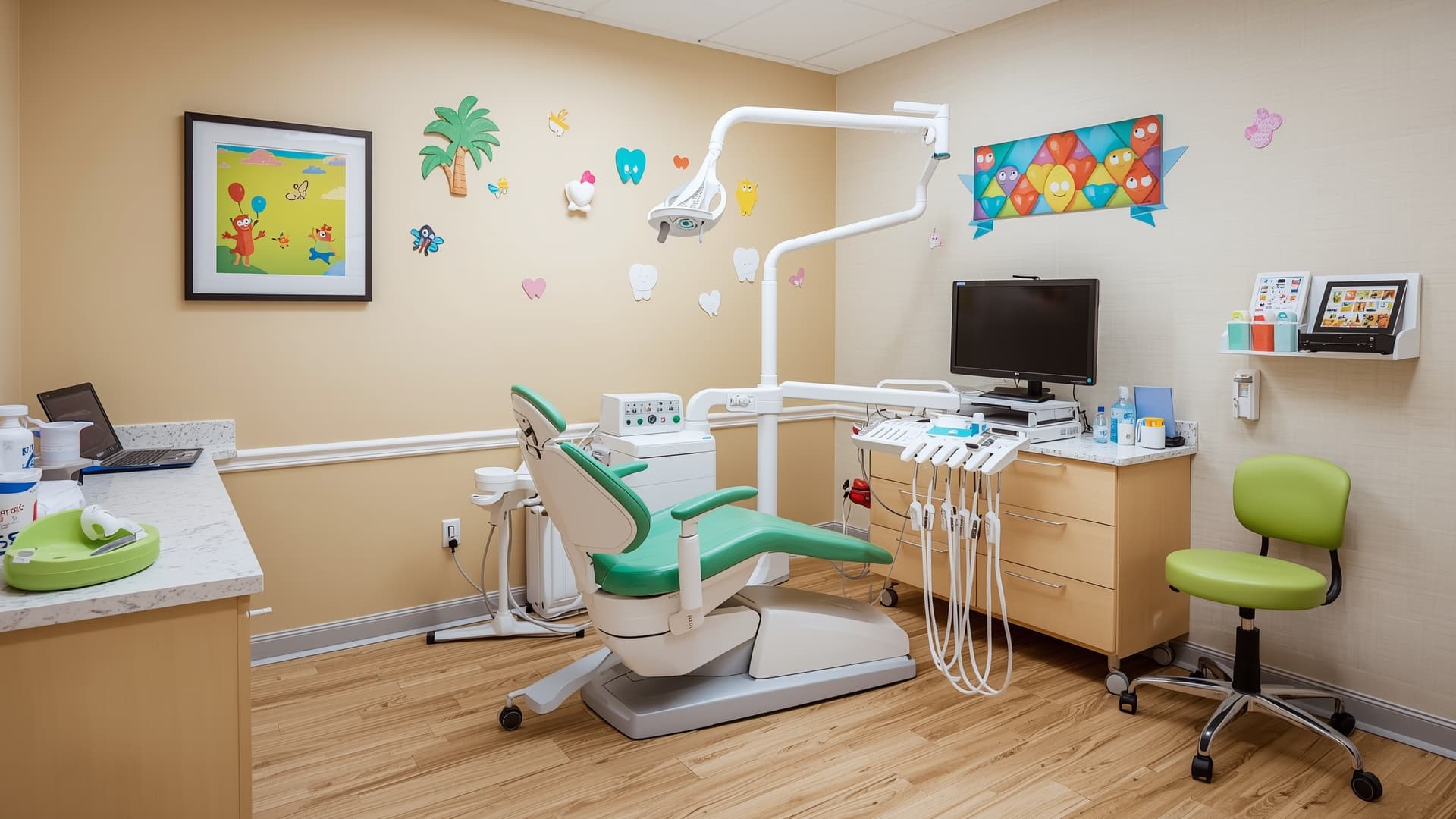
Running a pediatric dental office is a fundamentally different experience from running a general practice. Your patients are growing — literally. Their dentition evolves from primary to mixed to permanent over the course of years, your scheduling revolves around families rather than individuals, and half your job is making sure a five-year-old doesn't associate the dentist with terror. The software you run your practice on needs to understand all of that.
Most dental practice management software was designed for general dentistry first. Some have added pediatric features over time. A few were built from the ground up for kids' dentistry. In this guide, we break down both categories so you can find the platform that actually fits how your practice operates.
What Makes Pediatric Software Different
Before diving into specific platforms, it helps to understand why pediatric practices can't just grab any PMS off the shelf. The workflows are fundamentally different in several key areas:
-
Family-centric scheduling: You're not booking one patient at a time. You're booking three siblings back-to-back (or simultaneously), coordinating with a parent's work schedule, and billing to a guardian's insurance. Software that treats each patient as an island creates friction at every step.
-
Evolving dentition tracking: A child's dental chart isn't static. You need to track primary teeth, mixed dentition phases, and the transition to permanent teeth — all within the same patient record over many years. Generic charting tools that only understand adult dentition force workarounds.
-
Parent communication: Consent forms, treatment explanations, school excuse letters, recall reminders — these all go to a parent or guardian, not the patient. You need portals, remote consent, and visual education tools that help parents understand what's happening in their child's mouth.
-
Child anxiety management: The best pediatric platforms include behavior tracking, gamification, or visual education tools that help young patients feel comfortable. This isn't a nice-to-have; it directly impacts treatment acceptance and recall rates.
-
Age-specific recall scheduling: A two-year-old's recall schedule looks different from an eight-year-old's. Software that lets you automate recalls by developmental stage saves your front desk hours every week.
-
Higher Medicaid volume: Pediatric practices typically process a larger share of Medicaid claims than general offices. Clean Medicaid billing workflows, auto-verification, and denial management aren't optional — they're essential.
Purpose-Built Pediatric Software
These platforms were designed specifically for pediatric dentistry. They understand the specialty's unique workflows out of the box, with minimal configuration required.
Oryx Dental
Oryx is a general dental platform with deep pediatric capabilities built in. Its pediatric exam templates are structured around how pedo dentists actually document — not retrofitted from a general exam form. The platform includes visualized consent forms and remote consent workflows, which means parents can review and sign treatment plans from their phone before the appointment. Oryx also offers child-friendly patient education content that practices can use chairside to explain procedures in age-appropriate language.
Best fit: Practices that want a modern, pediatric-native platform with strong parent communication tools and minimal setup time.
DOX|Pedo
DOX|Pedo is built exclusively for pediatric dentistry and orthodontics. Its charting system is structured specifically around evolving dentition — you won't find yourself fighting a chart designed for 32 permanent teeth when you're documenting a four-year-old's mouth. The platform also includes batch communication tools that make it practical to send mass recalls, appointment reminders, or seasonal notifications to your entire patient base.
Best fit: High-volume pediatric and pedo-ortho practices that need a system designed around their specific charting and communication workflows.
Dolphin Management Pedo
Dolphin's pediatric module stands out for its patient education library. According to Dolphin, the Aquarium library includes over 45 animated education movies that explain procedures in a way kids (and parents) actually understand. The platform also supports family rescheduling — when one sibling's appointment moves, the system prompts you to adjust the others. Its interactive odontogram is designed to handle primary, mixed, and permanent dentition naturally.
Best fit: Practices that prioritize patient education and family coordination, especially those already in the Dolphin ecosystem for orthodontic cases.
XLDent Pedo Suite
XLDent's pediatric suite is designed with mobility in mind. The platform works well on tablets and mobile devices, which matters in a pediatric setting where you might be charting in operatories designed for smaller patients, or where practitioners move between treatment areas quickly. The kid-centered workflows reduce clicks for common pediatric procedures.
Best fit: Practices that want tablet-friendly workflows and a streamlined interface for pediatric-specific procedures.
TMR Take: Purpose-built pediatric software makes the most sense when your practice is exclusively or predominantly pediatric. You'll spend less time configuring, less time training staff on workarounds, and more time focused on patient care. The tradeoff is a smaller vendor ecosystem — fewer third-party integrations and a narrower user community compared to the big general platforms.
General Platforms That Handle Pediatrics Well
Not every pediatric practice needs a purpose-built system. Several general practice management platforms have developed strong pediatric capabilities that, with some configuration, can serve a kids-focused practice effectively.
CareStack
CareStack's family appointment booking is one of the best implementations we've seen on a general platform. You can schedule consecutive or concurrent sibling slots from a single screen, and the consolidated family billing view keeps financial workflows clean. CareStack also supports membership plans, which can be valuable for pediatric practices with a significant uninsured or under-insured patient population. The platform handles multi-location setups well if you're operating more than one office.
Best fit: Multi-location pediatric practices or mixed practices (pedo + general) that want a unified platform with strong family scheduling and billing.
Open Dental
Open Dental is the power-user's platform. It's highly customizable, which means you can configure it to handle pediatric workflows well — but you'll need to invest time in that configuration. The "Add Many" feature simplifies family account setup, and the Child Prophy recall type automatically switches to Adult Prophy based on patient age. Charting supports primary and mixed dentition. The active open-source community means you can often find pediatric-specific customizations shared by other practices.
Best fit: Tech-comfortable practices that want maximum flexibility and don't mind investing in initial setup. Particularly strong for practices that want to customize every detail of their workflow.
iDentalSoft
iDentalSoft has invested heavily in pediatric-specific features within its cloud platform. The charting system auto-switches between primary and permanent dentition as patients age, and the 3D odontogram gives a clear visual of evolving dentition. Family accounts are well-implemented, and Medicaid support is robust. iDentalSoft claims a 95% reduction in multi-specialty scheduling conflicts on their website for practices using their family booking tools — a meaningful number for any office juggling sibling appointments.
Best fit: Cloud-first pediatric practices that want strong dentition tracking and Medicaid billing without moving to a pediatric-only platform.
Tab32
Tab32 is a cloud-based platform that offers customization for dental specialties, including pediatric. While not built exclusively for peds, it provides the flexibility to configure charting, scheduling, and communication workflows to fit a pediatric practice's needs. The platform's cloud architecture means updates are automatic and access is available from any location.
Best fit: Practices that want a flexible cloud platform they can tailor to pediatric workflows over time.
MacPractice DDS
For Mac-native dental offices, MacPractice DDS offers a paperless iPad workflow that has become popular with pediatric practices. The iPad-based charting and documentation feels natural in a pediatric operatory, and the Mac-native interface is fast and intuitive for teams already in the Apple ecosystem.
Best fit: Apple-centric practices that want a native Mac experience with iPad-based clinical workflows.
TMR Take: A general platform with strong pediatric features is the right call if your practice sees a mix of patients, if you want a larger integration ecosystem, or if you're growing into pediatric work rather than starting from day one. The key is to evaluate the platform's family scheduling, dentition tracking, and Medicaid billing specifically — don't assume these features work well just because the vendor mentions them on a feature list.
Features That Matter Most for Pediatric Practices
When evaluating any platform, here's what to prioritize — roughly in order of impact on daily operations:
-
Family scheduling and booking: Can you book siblings simultaneously or back-to-back from one screen? Can you view an entire family's upcoming appointments in a single view? This is the single biggest time-saver for pediatric front desks.
-
Dentition charting (primary, mixed, permanent): Does the charting system natively support all three dentition stages? Or does it require workarounds for primary teeth? Test this during your demo — it's a daily workflow.
-
Parent/guardian portals and communication: Can parents fill out forms, sign consent, and view treatment plans remotely? Can you send recall reminders to the guardian, not the six-year-old?
-
Medicaid and insurance billing: How clean is the Medicaid claim workflow? Does the system support auto-eligibility verification? What's the denial management process? For high-Medicaid-volume practices, this can make or break your revenue cycle.
-
Behavior and anxiety tracking: Can you document patient behavior across visits? Some platforms include gamification or reward tracking that helps with recall compliance.
-
Patient education tools: Visual or animated explanations of procedures — for both kids and parents — can significantly improve treatment acceptance.
-
Developmental stage-based recalls: Can you set different recall intervals based on age or developmental stage rather than one-size-fits-all?
-
Family billing consolidation: Can you generate a single statement for a family with multiple children? Can you split or apply payments across sibling accounts easily?
What's Next: Emerging Tech in Pediatric Dentistry
The pediatric dental software space is evolving quickly. A few trends worth watching:
-
AI-powered diagnostics: Some platforms are developing AI tools that can help identify caries or developmental issues in radiographs — potentially useful for parent communication when you can show, not just tell, what the AI flagged.
-
VR and AR patient education: Virtual reality experiences that let kids "explore" their mouth or watch an animated version of their upcoming procedure are in early stages. A handful of practices are piloting these with promising results in anxiety reduction.
-
IoT toothbrush integration: Connected toothbrushes that sync brushing data back to the practice are still early-stage, but the potential for pediatric engagement is clear. Imagine reviewing a child's brushing consistency at their recall appointment.
-
Reserve with Google: Direct appointment booking from Google Search is gaining traction. For pediatric practices, this lowers the barrier for new-parent acquisition — they can book a first visit without picking up the phone.
None of these are must-haves today, but they're worth asking about when evaluating platforms for a long-term commitment.
The Bottom Line
The right dental software for a pediatric practice depends on your patient mix, your team's technical comfort, and how much you want to customize versus use a pre-built workflow. Purpose-built platforms like Oryx Dental, DOX|Pedo, and Dolphin Management Pedo get you to a pediatric-optimized setup faster. General platforms like CareStack, Open Dental, and iDentalSoft offer more flexibility and broader ecosystems, but require more configuration to get pediatric workflows right.
Either way, don't compromise on the fundamentals: family scheduling, dentition tracking, parent communication, and Medicaid billing. These aren't "nice to have" features — they're the core of how your practice operates every day.
Want help finding the right fit? Use TMR's comparison tool to see how these platforms stack up side by side, or take the practice quiz to get a personalized recommendation based on your specific needs.